


Before diving into CMS options, outline what you want your website to achieve. Are you creating an eCommerce store, a blog, a corporate site, or a portfolio?
Building a website starts with selecting the right Content Management System (CMS). A CMS serves as the backbone of your website, providing you with the tools to create, manage, and modify digital content without needing advanced technical skills.
The CMS you choose will determine how easy it is to manage your site, customize its features, and grow your online presence. With the right CMS, you can streamline your workflows, enhance user experience, and ensure your website scales effortlessly as your business evolves. But with so many options available, how do you pick the right one? Here’s a step-by-step guide to help you get started.
Define Your Website Goals
Before diving into CMS options, outline what you want your website to achieve. Are you creating an eCommerce store, a blog, a corporate site, or a portfolio? Your goals will influence the features you need, such as product catalogs, blogging tools, or multimedia support.
Understand Your Technical Skills
Consider Scalability

Consider Scalability
Think about the future of your website. Will your business grow? Will you need additional features or integrations? Choose a CMS that can scale with your needs, allowing you to add functionality without switching platforms.
Evaluate Key Features
Ease of Use: Is the interface intuitive and easy to navigate?
Customization: Can you modify the design and functionality to suit your brand?
SEO Tools: Does the CMS offer built-in SEO tools to help your site rank better on search engines?
Third-Party Integrations: Can you integrate tools like email marketing, analytics, or eCommerce platforms?
Support and Community: Is there a strong support network or community for troubleshooting?
Compare Popular CMS Options
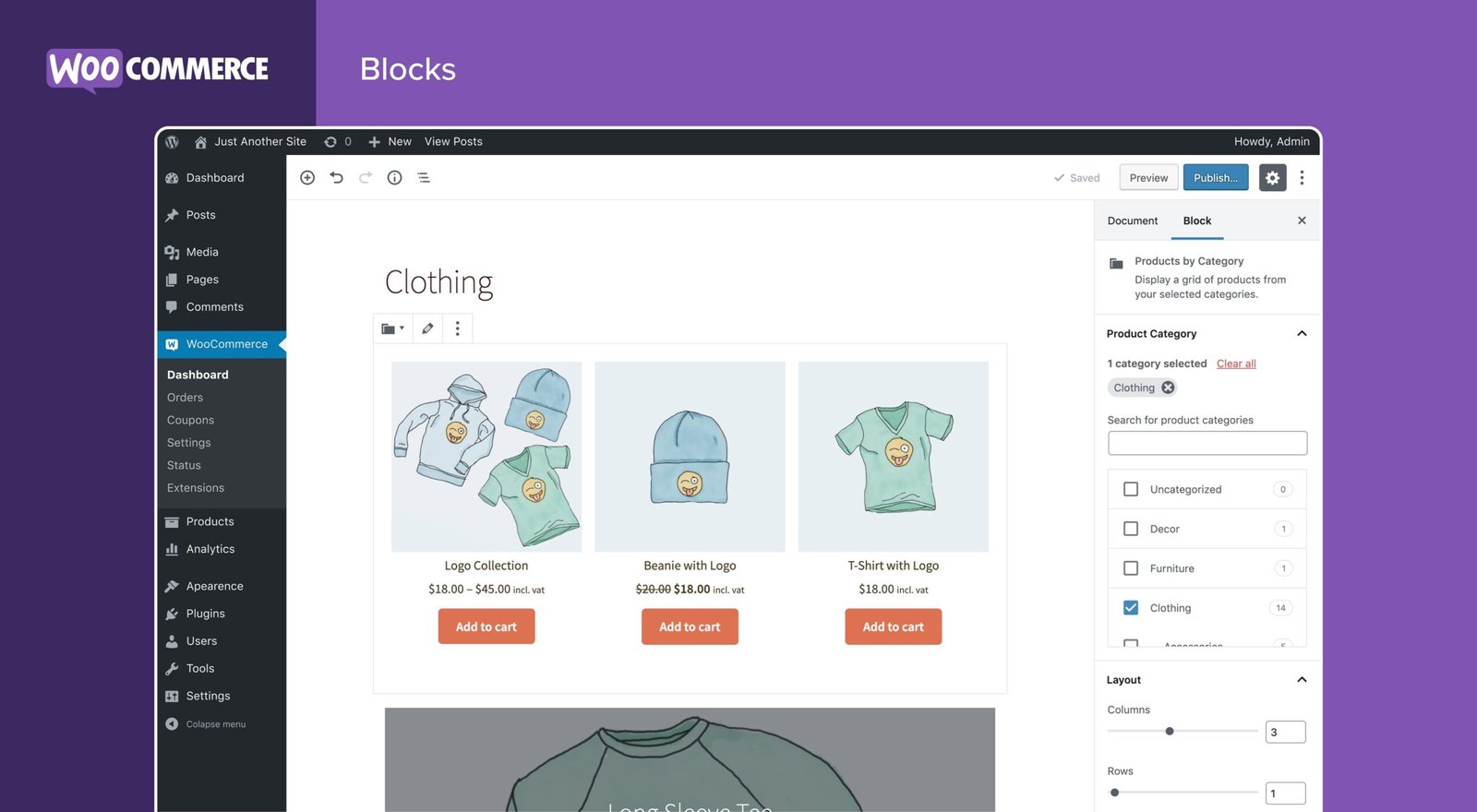
WordPress: Highly customizable and versatile, great for blogs, eCommerce, and corporate websites.
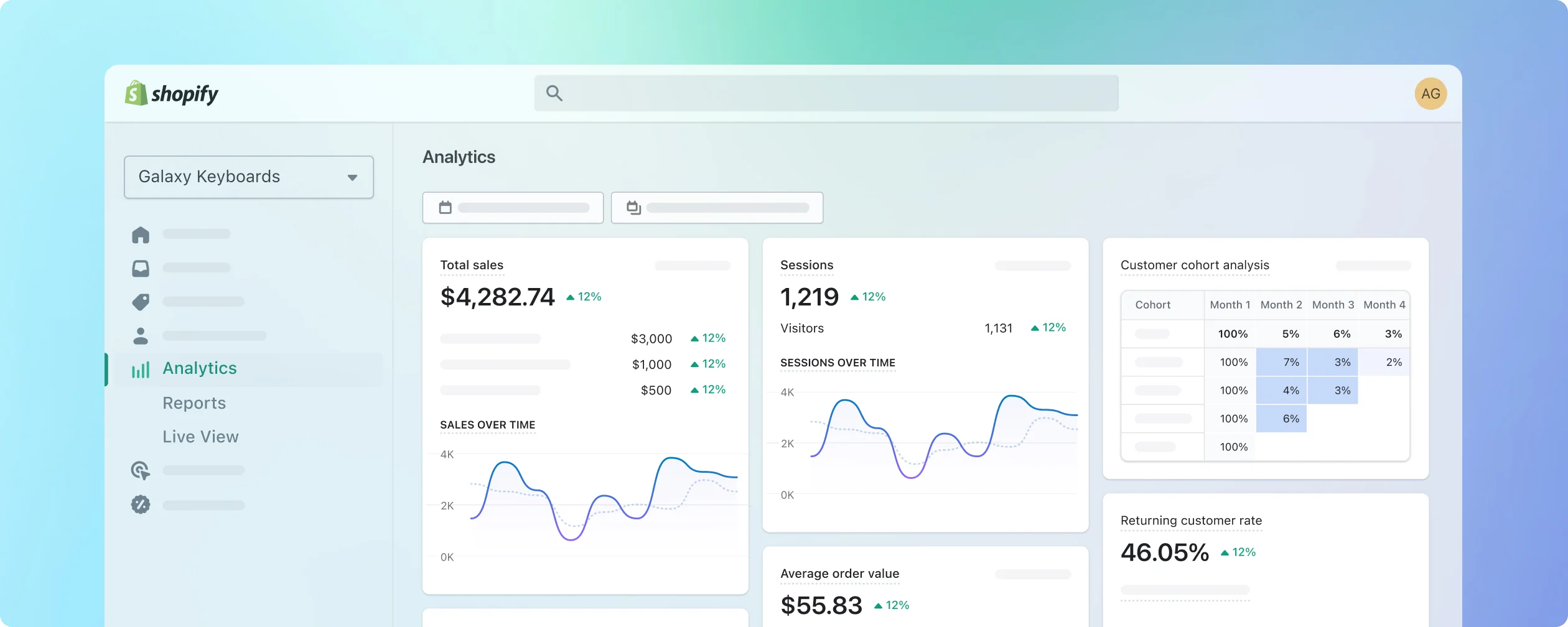
Shopify: Designed specifically for eCommerce, with excellent tools for managing online stores.
Wix: User-friendly with drag-and-drop functionality, ideal for small businesses and personal sites.
Joomla: Flexible and powerful, but with a steeper learning curve.
Drupal: Suitable for complex, large-scale websites with advanced security needs.
Test Before You Commit
Plan Your Website Structure
Once you’ve chosen a CMS, map out your website’s structure. Create a sitemap that outlines all the pages and features you need, such as a homepage, product pages, blog, or contact form.